

Centerfy AI Agents: automate voice, chat, and follow-up
Centerfy AI agents handle phone calls and website chat automatically — qualifying leads, booking appointments, and syncing your CRM 24/7.
AI agents are the core of Centerfy’s conversation automation. Each agent is an AI-powered bot you train with your business info, equip with tools, and deploy to a phone number or website widget. Once live, agents work 24/7 — answering calls, engaging visitors, qualifying leads, booking appointments, and syncing data to your CRM.
Two types of agents
Voice Agents
Handle inbound and outbound phone calls. Answer instantly, qualify leads, book appointments, transfer to humans.
Chat Agents
Website chat widget. Engage visitors, answer questions, qualify leads, book meetings.
What every agent can do
| Capability | Description |
|---|---|
| Custom prompt | Define the agent’s personality, goals, and boundaries |
| Knowledge base | Ground answers in your business content |
| Calendar booking | Check availability and book appointments in the conversation |
| Lead qualification | Ask custom questions and tag contacts automatically |
| CRM sync | Add notes, apply tags, update contact records |
| Human transfer | Escalate to a live team member when needed |
Setup flow
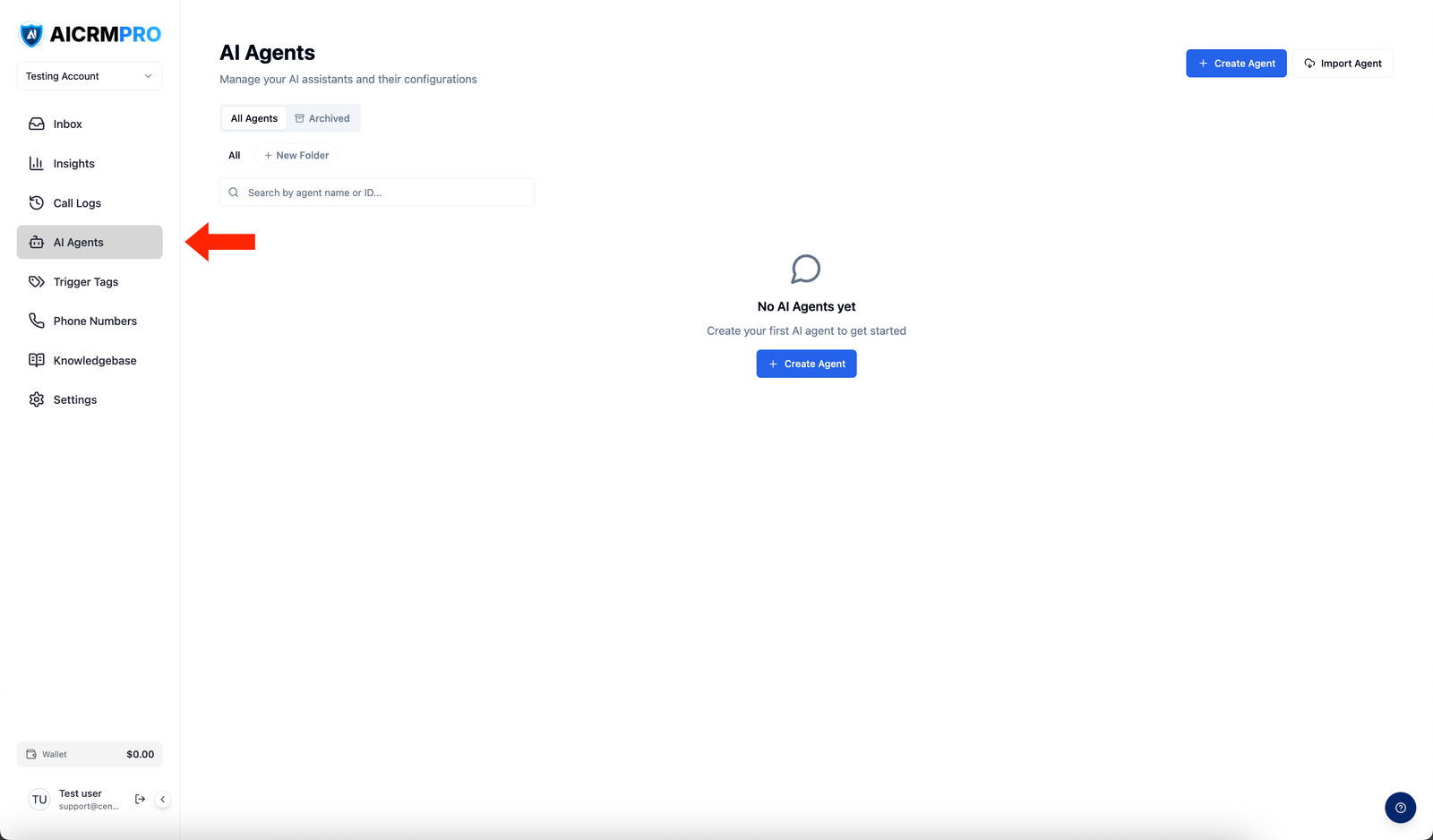
- Build your agent in the Agent Builder (AI Agents > Create Agent) — set prompt, voice/widget, tools, and knowledge base.
- Connect a knowledge base for accurate answers.
- Assign a phone number (voice) or copy the embed script (chat).
- Use Workflows to trigger agents automatically (e.g., call a new lead when a form is submitted).